Monday, 19 September 2016

SCALA BASICS DAY 1 Practice on 19 Sept 2016


--------------------------------------------------------

scala> var id = 1
id: Int = 1

scala> var id = 1l
id: Long = 1

scala> var id = 1f
id: Float = 1.0

scala> var id = 1d
id: Double = 1.0

--------------------------------------------------------

scala> var id = 1
id: Int = 1

scala> var id : Long = 1
id: Long = 1

scala> var id : Double = 1
id: Double = 1.0

scala> var id : Float = 1
id: Float = 1.0


scala> var id = 1
id: Int = 1

scala> id.toLong
res0: Long = 1

scala> id.toDouble
res1: Double = 1.0

scala> id.toFloat
res2: Float = 1.0

scala> id.toString
res3: String = 1

--------------------------------------------------------

scala> var id = 1
id: Int = 1

scala> var name = "kalyan"
name: String = kalyan

scala> var age = 30
age: Int = 30

scala> var salary = 10000
salary: Int = 10000

scala> var loc = "hyd"
loc: String = hyd


scala> var details = "name is " + name + " , location is " + loc
details: String = name is kalyan , location is hyd

scala> var details = s"name is $name , location is $loc"
details: String = name is kalyan , location is hyd


scala> var info = name + loc
info: String = kalyanhyd

scala> var info = (name).+(loc)
info: String = kalyanhyd

--------------------------------------------------------

scala> (x : Int) => { x + 1 }
res4: Int => Int = <function1>

scala> val f = (x : Int) => { x + 1 }
f: Int => Int = <function1>

scala> f(1)
res5: Int = 2

scala> def f ( x : Int ) = { x + 1 }
f: (x: Int)Int

scala> f(1)
res6: Int = 2


--------------------------------------------------------

scala> def add (x : Int, y : Int ) = { x + y }
add: (x: Int, y: Int)Int

scala> add( 1, 2)
res7: Int = 3

scala> def add (x : Int, y : Int ) : Int = { x + y }
add: (x: Int, y: Int)Int

scala> add( 1, 2)
res8: Int = 3

scala> def add (x : Int, y : Int ) : Double = { x + y }
add: (x: Int, y: Int)Double

scala> add( 1, 2)
res9: Double = 3.0

--------------------------------------------------------

scala> if ( id > 1 ) { print("more than 1") } else { print("less than 1") } 
less than 1
scala> id = 2
id: Int = 2

scala> if ( id > 1 ) { print("more than 1") } else { print("less than 1") } 
more than 1
scala> 


scala> def fact(n : Int) : Int = {
     | if( n == 1 ) 1
     | else n * fact(n - 1)
     | }
fact: (n: Int)Int

scala> fact(5)
res12: Int = 120

scala> fact(4)
res13: Int = 24


scala> def fact(n : Int) : Int = { if ( n == 1) 1 else n * fact(n-1) }
fact: (n: Int)Int

scala> fact(5)
res16: Int = 120

scala> fact(4)
res17: Int = 24


--------------------------------------------------------

Sunday, 18 September 2016

How to disable the password using SSH


1. using rsa algorithm

ssh-keygen -t rsa -P '' -f ~/.ssh/id_rsa 
cat ~/.ssh/id_rsa.pub >> ~/.ssh/authorized_keys
chmod 600 ~/.ssh/authorized_keys


2. using dsa algorithm

ssh-keygen -t dsa -P '' -f ~/.ssh/id_dsa 

cat ~/.ssh/id_dsa.pub >> ~/.ssh/authorized_keys
chmod 600 ~/.ssh/authorized_keys


3. verify using below command

ssh localhost


4. If still asking the password again and again then remove existing data

rm -r ~/.ssh

5. After removing the existing data .. repeat step1 or step2


Hadoop Cluster Practice Commands


How to Start / Stop Hadoop Process:

Name Node: 

hadoop-daemon.sh start namenode
hadoop-daemon.sh stop namenode

Data Node: 

hadoop-daemon.sh start datanode
hadoop-daemon.sh stop datanode

Secondary Name Node: 

hadoop-daemon.sh start secondarynamenode
hadoop-daemon.sh stop secondarynamenode

Job Tracker: 

hadoop-daemon.sh start jobtracker
hadoop-daemon.sh stop jobtracker

Task Tracker:

hadoop-daemon.sh start tasktracker
hadoop-daemon.sh stop tasktracker

Resource Manager: 

yarn-daemon.sh start resourcemanager
yarn-daemon.sh stop resourcemanager

Node Manager: 

yarn-daemon.sh start nodemanager
yarn-daemon.sh stop nodemanager


Job History Server:
mr-jobhistory-daemon.sh start historyserver
mr-jobhistory-daemon.sh stop historyserver


Hadoop Required URLS
Name Node :                http://orienit1:50070
Resource Manager :     http://orienit2:8088


1. Create a new folder with your hostname (i.e orienit1 / orienit2 / orienit3) using below command.

hadoop fs -mkdir /orienit


2. Put some files from Local File System to HDFS using below command

hadoop fs -put <local file system path> <hdfs path>

hadoop fs -put /etc/hosts /orienit/hosts


3. Read the Data from HDFS using below command

hadoop fs -cat /orienit/hosts


4. Change the Replication factor using below commands

Increase the replication number:

hadoop fs -setrep 5 /orienit/hosts


Decrease the replication number:

hadoop fs -setrep 3 /orienit/hosts


5. Transfer the data from one cluster to other cluster using below command

hadoop distcp hdfs://nn1:8020/<src path> hdfs://nn2:8020/<dst path>

where nn1 is first cluster namenode ip or hostname

where nn2 is second cluster namenode ip or hostname


6. Commissioning and Decommissioning the Nodes in Hadoop Cluster

In Name Node machine modify below changes


1. create include file in /home/kalyan/work folder

2. create exclude file in /home/kalyan/work folder

3. update hdfs-site.xml with below configurations


<property>
<name>dfs.hosts</name>
<value>/home/kalyan/work/include</value>
</property>

<property>
<name>dfs.hosts.exclude</name>
<value>/home/kalyan/work/exclude</value>
</property>

4. execute below command to reflect the hdfs changes

hadoop dfsadmin -refreshNodes

5. update yarn-site.xml with below configurations


<property>
<name>yarn.resourcemanager.nodes.include-path</name>
<value>/home/kalyan/work/include</value>
</property>


<property>
<name>yarn.resourcemanager.nodes.exclude-path</name>
<value>/home/kalyan/work/exclude</value>
</property>

6. execute below command to reflect the mr changes

yarn rmadmin -refreshNodes

7. verify the changes in browser


Thursday, 15 September 2016

How to install JAVA-1.8 in ubuntu


1. Install ORACLE JAVA-1.8 using below commands

sudo add-apt-repository ppa:webupd8team/java -y
sudo apt-get update
sudo apt-get install oracle-java8-installer

2. Verify ORACLE JAVA-1.8 using below command

java -version


3. Install OPENJDK JAVA-1.8 using below commands

sudo add-apt-repository ppa:openjdk-r/ppa
sudo apt-get update
sudo apt-get install openjdk-8-jdk


4. Verify OPENJDK JAVA-1.8 using below command

java -version


How to install R in ubuntu


1. Install R using below commands

sudo apt-get update
sudo apt-get install r-base r-base-dev

2. Verify PYTHON using below command

R

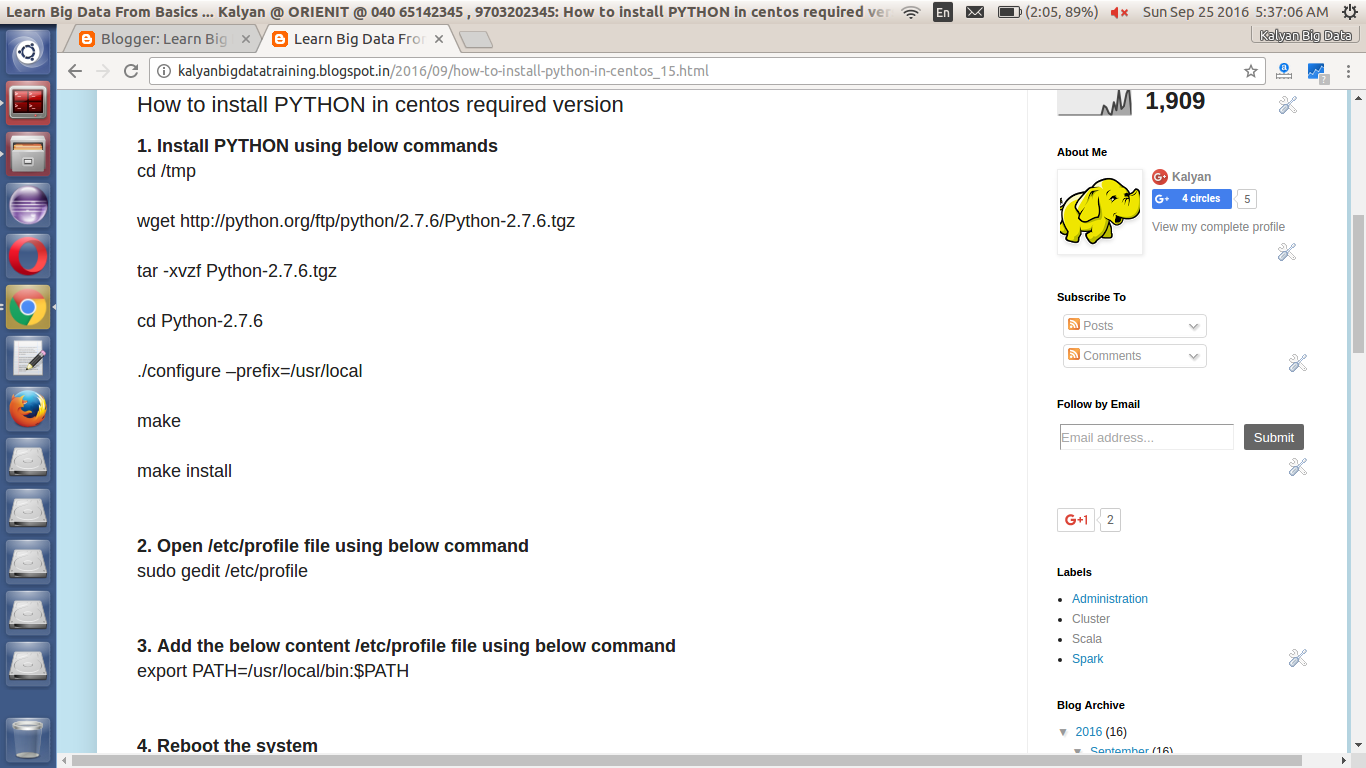
How to install PYTHON in centos required version


1. Install PYTHON using below commands
cd /tmp

wget http://python.org/ftp/python/2.7.6/Python-2.7.6.tgz

tar -xvzf Python-2.7.6.tgz

cd Python-2.7.6

./configure –prefix=/usr/local

make

make install


2. Open /etc/profile file using below command
sudo gedit /etc/profile


3. Add the below content /etc/profile file using below command
export PATH=/usr/local/bin:$PATH


4. Reboot the system

5. Verify PYTHON using below command
python


How to install PYTHON in centos


Install PYTHON using below command

sudo yum install python


Verify PYTHON using below command

python
Related Posts Plugin for WordPress, Blogger...